A puppet stage for a kid’s drawings
How a kid uses it
- Draw a monster on white paper and take a photo.
- Drop the photo in a folder. The white paper is removed automatically.
- Click the picture, click the stage. Move it with the arrow keys, jump with space, wave or spin with 1 and 2.
- Talk into the mic: the selected character’s head bobs along with the voice.
- Press REC. Add effects with buttons: boom, poof, sparkle, love, shake.
- Tap the upload button and the video goes to the YouTube channel as private. A parent adds the description and makes it public.
Details I like
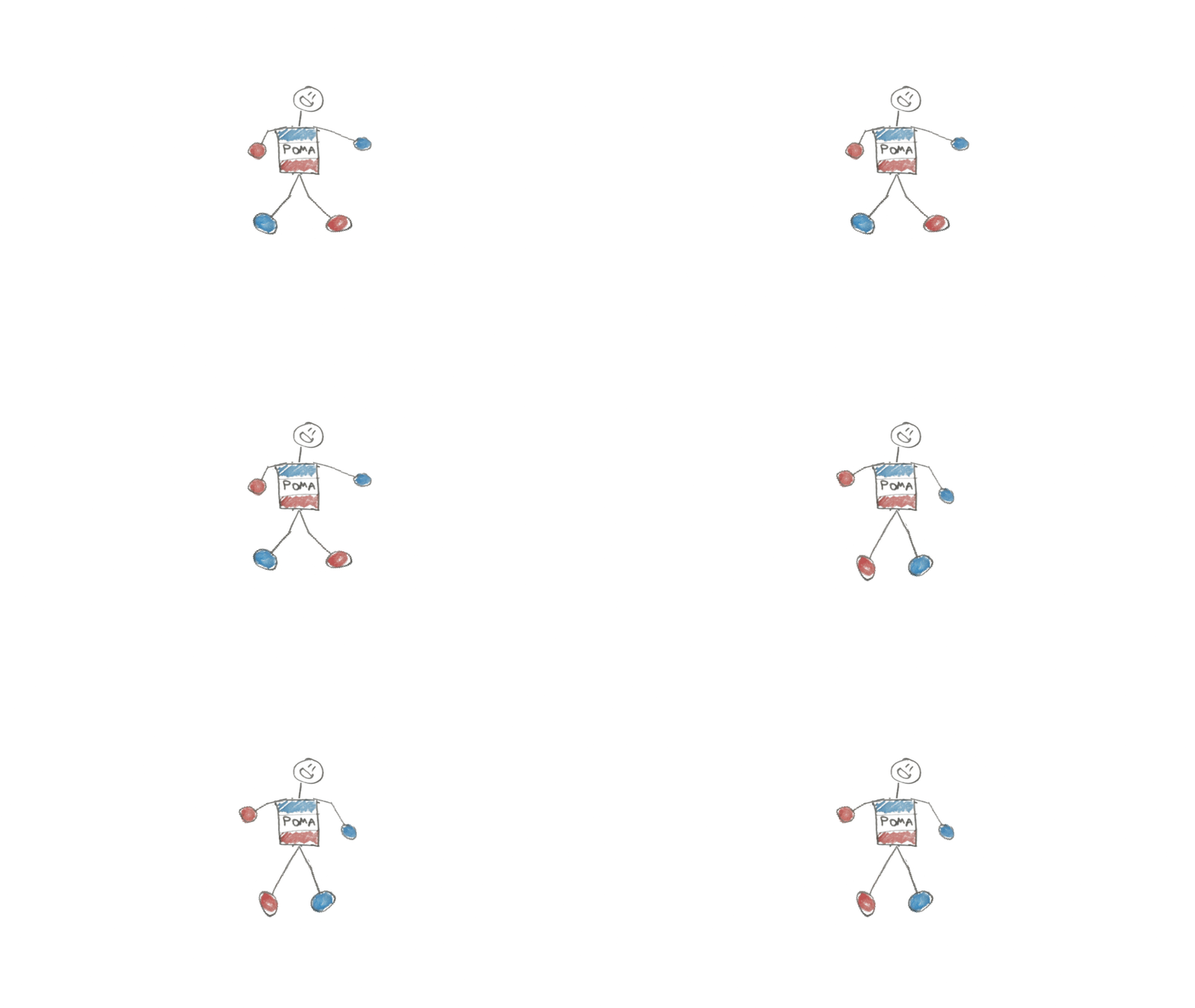
- Walking characters are a folder of separate drawings: body, head, hands, feet. The app draws the arms, legs and neck as pencil lines, so he only has to draw the blobs.
- Every folder in
library/becomes a tab. Make a folder, get a tab. - The interface is in Russian (it’s his language), with English via an environment variable. Keys work by physical position, so they stay the same with the Russian layout.
- He can replace the sounds by dropping his own “БАБАХ!” into a folder.
- The upload key stays out of git, since it could upload to the channel.
The microphone gotcha
Godot only opens 1–2 channel mics, and my laptop’s built-in mic is a 4-channel array. A small PipeWire config adds a virtual stereo mic that the app picks automatically. The fix is one cp and a restart.
See what comes out
His finished cartoons are on @roman-cartoons.
Loading comments…